
These instructions explain how to create a PDF catalog of the patterns you own using your PatternCloud account.
-
Go to PatternCloud.com and login to your account.
-
Click on My Patterns in the top menu.

-
This method will create a document from the patterns that are displayed on your screen. If you want to only print certain patterns, use the Advanced Search to filter patterns - for example, use the Pattern Type selector to display only Edge to Edge Patterns. You may also wish to increase the Results Per Page to up to 1,000.
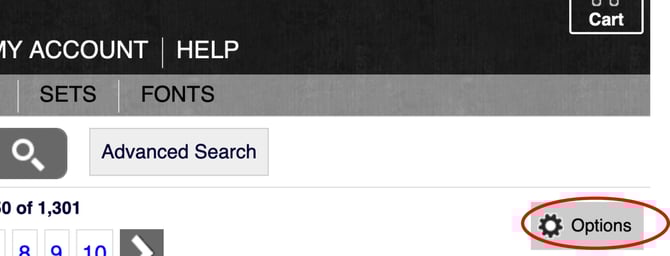
- Once you have the patterns you would like included, on the right side of your screen, click options as shown below.
-
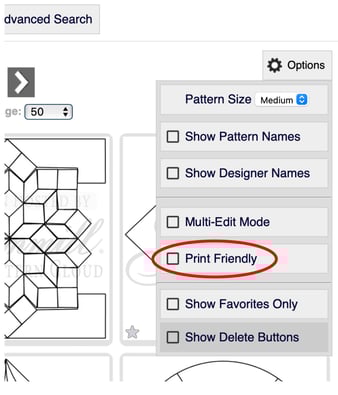
Under options, select "Print Friendly."
-
Next, in your browser, select "File" and "Export to PDF." If that option is not available, open the "Print" option and locate "Save as PDF." Enter a name for the file and select where you would like it to be saved.